
Can We Reach You?
Keep Your Information Up to Date
Accurate contact information helps us keep your family informed and your student safe. We recommend reviewing your family contact details, student medical information, approved pick-up list, and emergency contacts at least once a year.
You can update everything in just a few minutes through RenWeb/ParentsWeb.
How to Update via ParentsWeb
From your RenWeb/ParentsWeb home page:
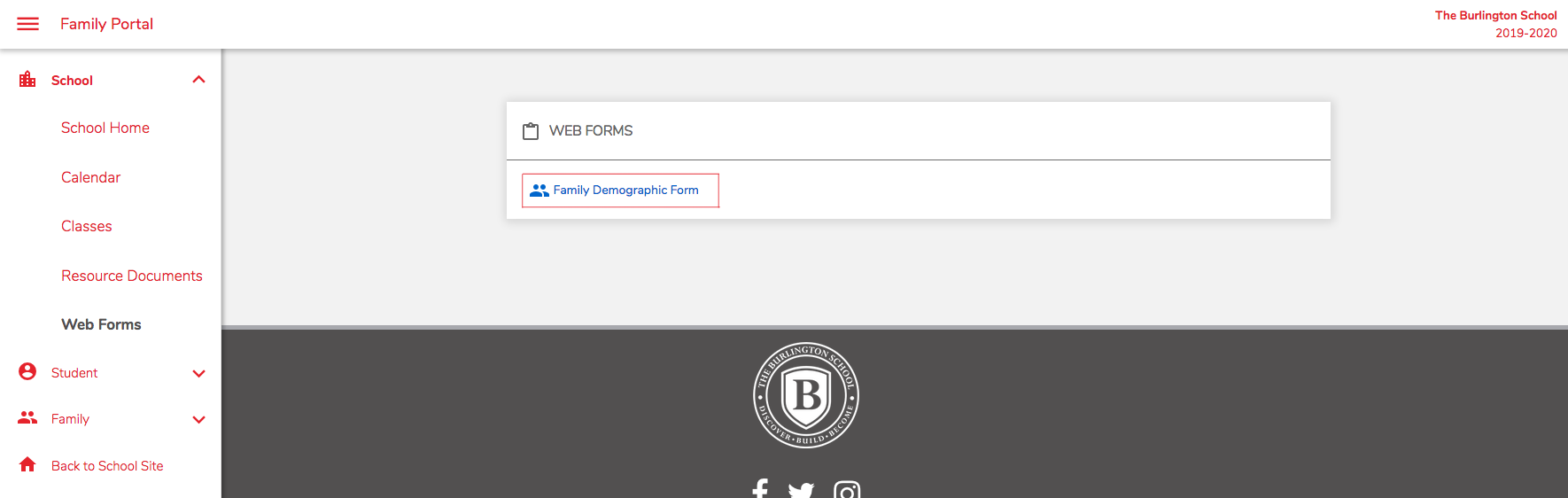
Go to the School Information tab.
Click on Web Forms.
Select the Family Demographic Form.

Within the Family Demographic Form
Click the appropriate button to add or edit information.
Note: If you change the student’s address or home phone number, the parent address will automatically update.
Review and correct any information that has changed.
Click Save at the bottom of the form.
Click Return to Main Form when you’re finished.